Waiter Panel
Efficient Waiter Management System
Streamline order taking, walk-ins, and real-time coordination with the kitchen
How Waiters Use the System
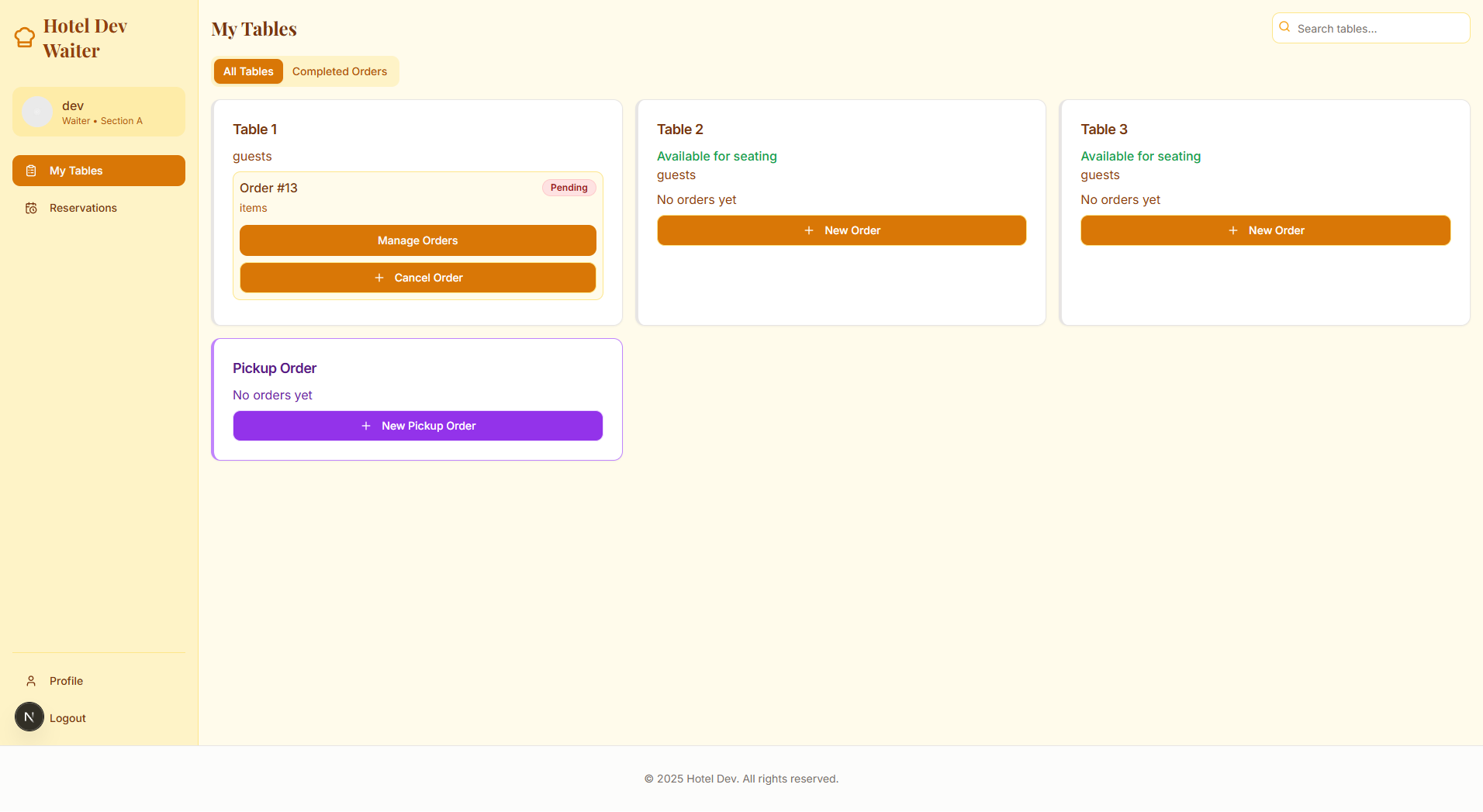
View Current Table Orders
Waiters can instantly see all active orders by table, including item notes and KOT status.

Update or Cancel Items
Modify or cancel individual order items (with permissions) based on customer changes.

Mark Orders as Delivered
Once food is served, waiters can mark items as delivered for better tracking.

Handle Checkout & Payments
Assist customers in splitting bills, applying discounts, and processing payments.

Walk-In & Takeout Orders
Quickly create manual orders for walk-in or counter customers.

Apply Discounts or Promo Codes
Easily apply item-wise or bill-wise discounts and promo codes.

View Past Orders by Date
Search and review completed orders for reprints, refunds or review.